Video library

AI and automation in action

Webinars, demos, case studies and conversations. Watch on your schedule — learn from the people shipping AI systems in production.

3 videos4 categoriesEN · BG

Featured Videos

Build an AI Agent in Microsoft Copilot: Step by Step

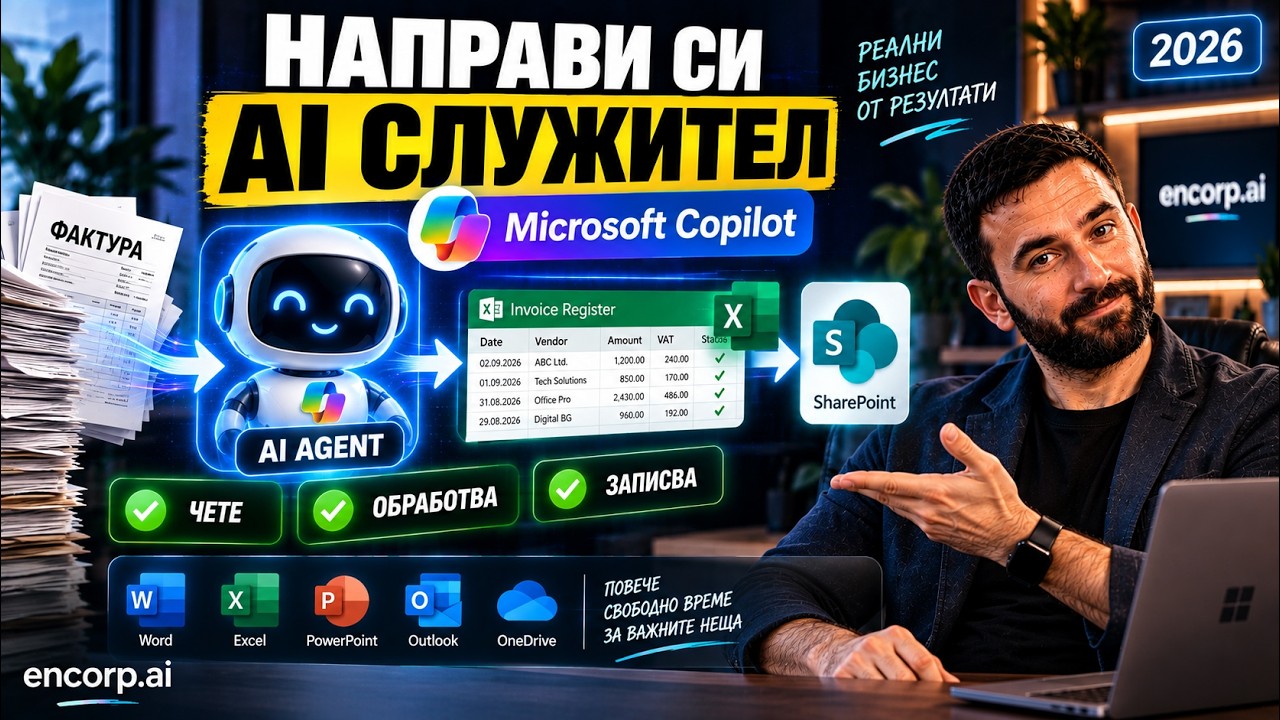
Building an AI agent in Microsoft Copilot requires no programming, and Martin Kuvandzhiev, CEO of encorp.ai, walks through the whole process step by step. Together with him you build a real business agent called Invoice Processor: you upload an invoice in the chat, the agent reads it, extracts company, date, invoice number, amount, VAT, type and line items, adds them to a shared register and saves the result to SharePoint. The video covers Agent Builder, describing the agent in plain language, Instructions, Skills, Cloud Files, Knowledge Base, Suggested Prompts, testing with a real invoice, working with Excel, adding Copilot Connectors, and sharing the agent with the whole company with different permissions for using and editing. Martin explains the approach Encorp often uses: AI creates the first version, a person reviews it, and then specific business rules are added. He also lists other agents you could build the same way, such as procurement, HR, sales, compliance and internal policy assistants. Useful for managers and teams on Microsoft 365 who want a shared agent that everyone uses the same way.
Microsoft CopilotCopilot AgentsAgent Builder+5 more
November 3, 2026

Which AI to Start With in 2026: 5 Free AI Assistants Compared

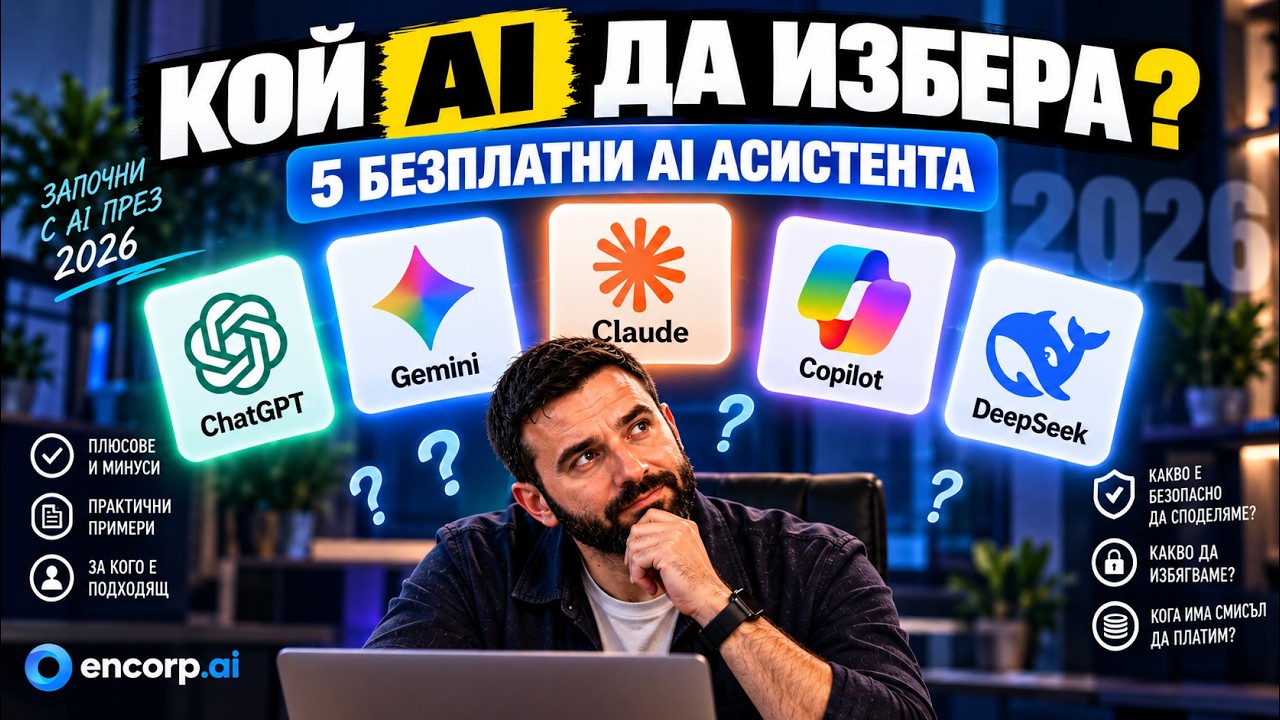
Which AI to start with in 2026 is one of the most common questions Martin Kuvandzhiev, CEO of encorp.ai, hears during corporate AI training sessions, and this video answers it from the very beginning. He compares five popular AI assistants you can use for free, goes through their pros and cons, and explains how to choose the right one for you. Martin also covers how to talk to AI without being a prompt engineer (think of it as a very well-educated new employee who does not know you or your company), what everyday tasks it suits, why it sometimes invents information, and how to verify answers with web search and sources. A key part is safety: what you can share with public AI tools and what you should never upload, such as passwords, bank card data, personal ID numbers, trade secrets and confidential client contracts. The video ends with five settings to change right away, including training opt-outs, temporary chats, anonymization and two-factor authentication, plus advice on when a paid plan makes sense. Ideal for beginners and employees getting started with AI.

free AI assistantsAI for beginnersAI safety+4 more
November 3, 2026

Claude Code in Practice: Building a CRM in 40 Minutes

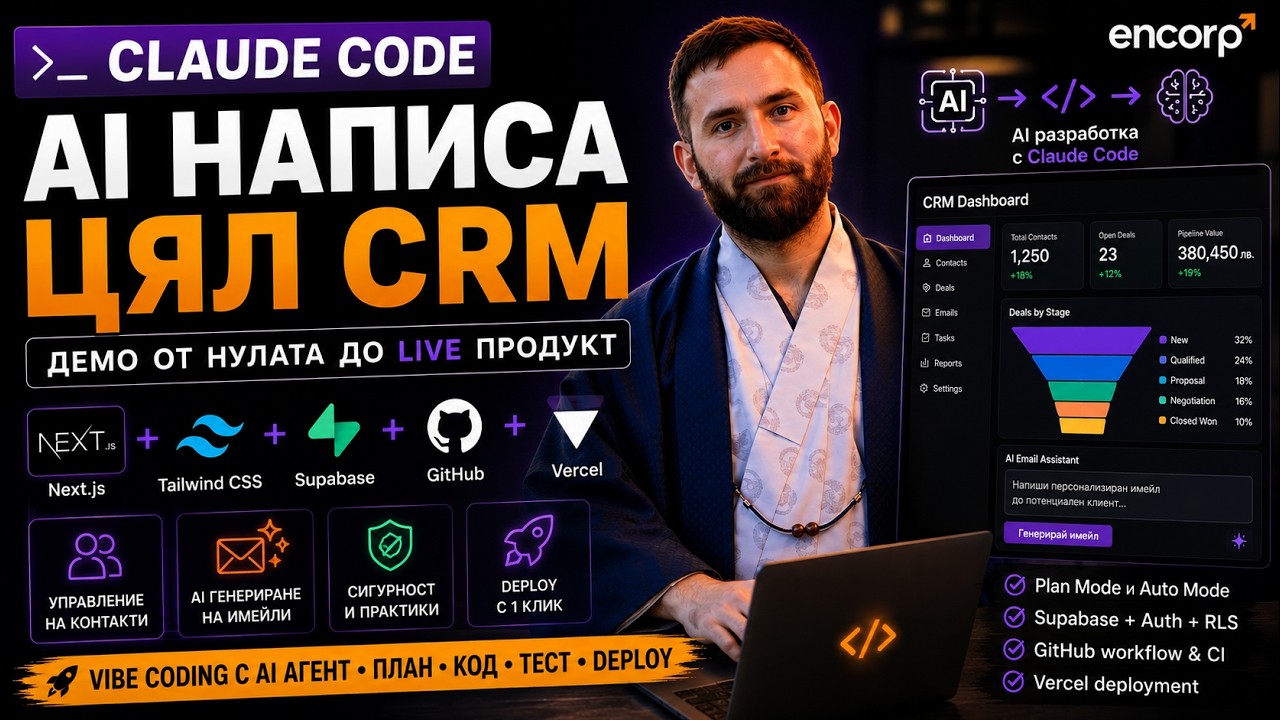
Claude Code can build real software, and this training shows how to create a CRM application from scratch with it. Martin Kuvandzhiev, CEO of encorp.ai, uses a modern stack of Next.js, Tailwind, Supabase, GitHub, Vercel, Mailgun and the Claude API. You see how AI plans the architecture, writes the code, creates the database, builds authentication, adds AI email writing, runs a security review and uploads the project to GitHub and Vercel. **What you will learn** - Why Claude Code differs from a standard AI chat - Which stack works best for vibe coding - How Plan Mode, Auto Mode, Accept Edits and Bypass Permissions work - Why GitHub is mandatory for AI development and why every project needs Claude.md - How to use Opus, Sonnet, Haiku and sub-agents properly - How to protect API keys, environment variables and .env files - The most common security risks in vibe coding, and how AI can audit code - When vibe coding is fine and when a developer is required The video is for founders, product managers, entrepreneurs, developers, startup teams and no-code/low-code people who want to understand how AI changes the way software products are built.

Claude CodeVibe codingCRM+4 more
November 3, 2026

AI Cybersecurity: Spot Deepfake and Phishing Scams

Martin Kuvandzhiev, CEO of encorp.ai, explains how AI is making phishing, deepfake calls, voice cloning, fake banking sites and IBAN fraud cheaper and harder to detect. Learn the practical checks and procedures businesses need to reduce cyber-fraud risk.

AI CybersecurityDeepfakePhishing+4 more
May 21, 2026

All Videos

Microsoft Copilot Notebooks: Your Second Brain for Meetings

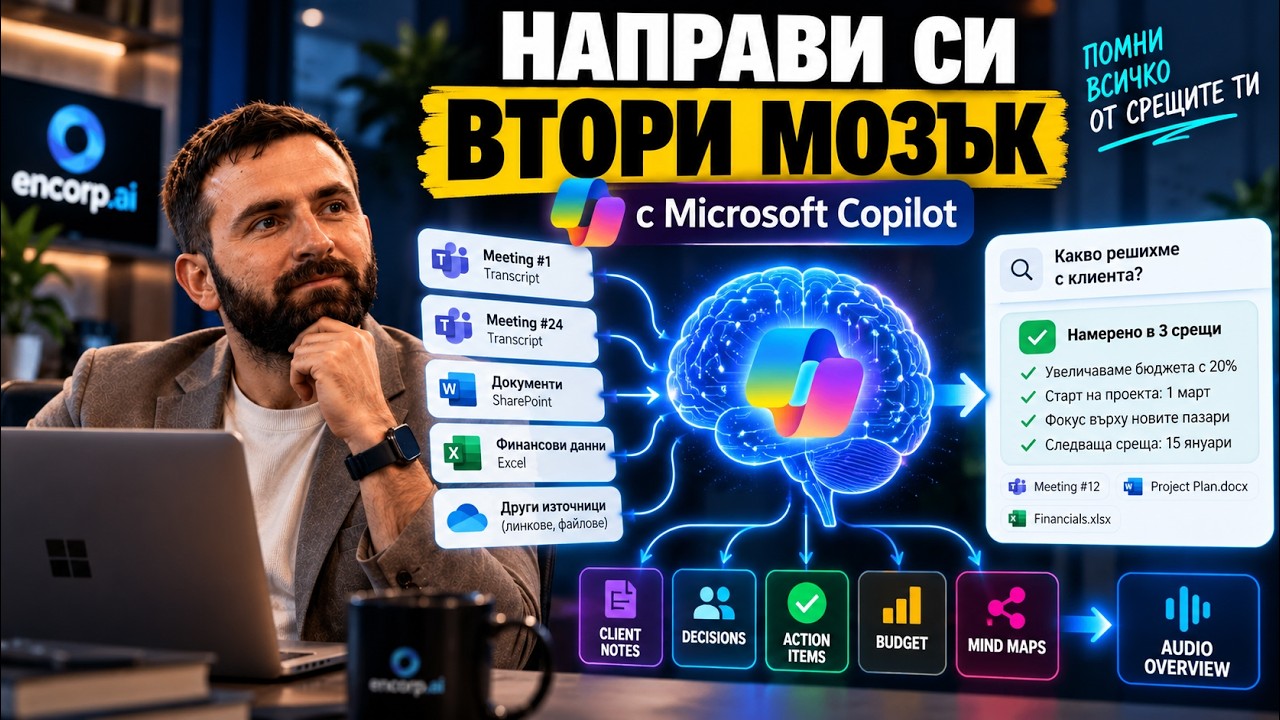
Microsoft Copilot Notebooks can turn Copilot into a second brain for your meetings, and Martin Kuvandzhiev, CEO of encorp.ai, shows how in this video. If you have five or six meetings a day and a week later cannot remember who said what, what was decided and what you must do, a Notebook gathers meeting transcripts, SharePoint files, links, previous Copilot chats, Excel data and other company documents in one place that you can simply ask questions. The demo uses 10 sample meetings with fictional data. Martin shows how to create a Notebook, add transcripts, let Copilot connect information across conversations, find a specific fact from an old meeting with its source, and track a client or project over time. He also generates a Mind Map and an Infographic from the accumulated knowledge and uses Audio Overview to catch up on meetings you missed in 5–10 minutes. The concept is similar to NotebookLM and Gemini Notebook, and is especially interesting for teams already working in the Microsoft 365 ecosystem. Useful for managers, consultants and anyone with a packed meeting calendar.

Microsoft CopilotCopilot NotebooksMicrosoft 365+4 more
November 3, 2026

Google Gemini Canvas in Practice: Dashboard, Slides and Analysis

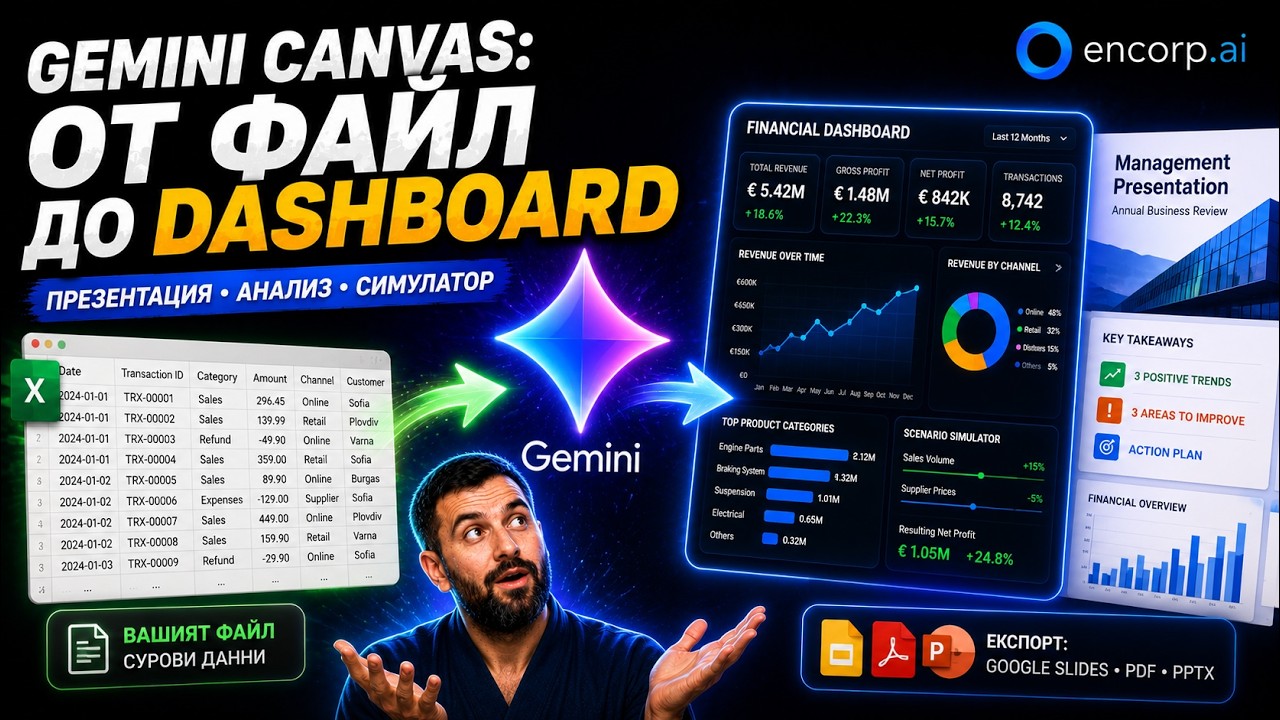
Google Gemini Canvas is tested here on a real business scenario by Martin Kuvandzhiev, CEO of encorp.ai. He gives Gemini a file with over 1,500 transactions for a fictional auto parts company and asks it to turn the raw data into a professional presentation, an interactive financial dashboard, a business canvas, charts and analysis, and a scenario simulator. Canvas lets Gemini create interactive content rather than a plain chat reply: HTML pages, mini sites, dashboards, presentations, PDFs and other documents. Other AI platforms often call similar features Artifacts. **What the test produces** - A management presentation with a financial overview, key metrics, three positive trends, three areas for improvement, recommendations, an action plan and a roadmap, exportable to Google Slides, PDF and PPTX - A dynamic dashboard with period selection, financial charts, channel analysis, cost structure, revenue streams, key partners and activities - A simulator for changing sales volume and delivery prices to see the effect on results Martin's verdict: Canvas is useful and can already do real business work, but for some types of data processing he still prefers other AI tools. **Who it is for:** managers and analysts exploring Gemini for reporting.

GeminiGemini CanvasGoogle AI+4 more
November 3, 2026

NotebookLM for Business: Research, Podcast, Video, Quiz and More

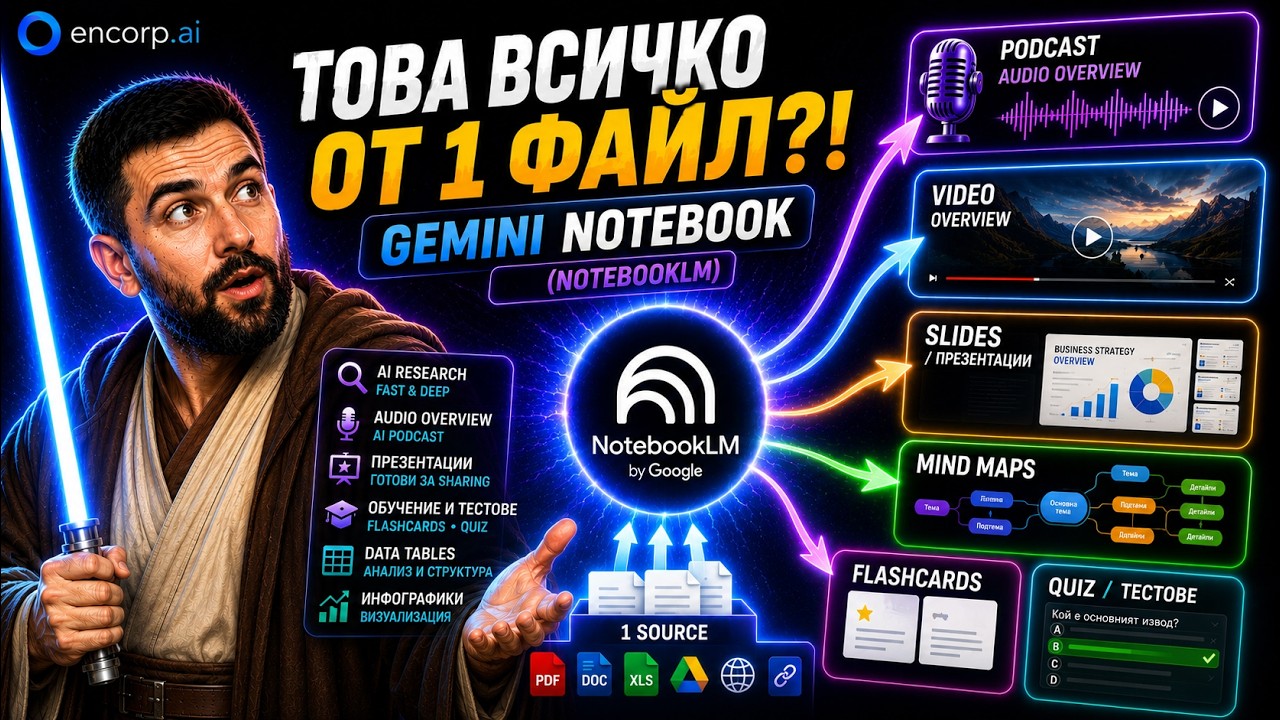
NotebookLM for business is the subject of this hands-on demo by Martin Kuvandzhiev, CEO of encorp.ai. Google's NotebookLM, also called Gemini Notebook, now goes far beyond uploading a PDF and asking questions, and the video focuses on real scenarios for business, work and learning rather than individual buttons. Martin creates a notebook, runs automatic research, explains the difference between Fast and Deep Research, and adds sources such as PDFs, documents, images, audio, websites, YouTube videos and Google Drive files. He then generates an Audio Overview (AI podcast), presentations, a Video Overview, Mind Maps, Flashcards, Quizzes, Infographics and Data Tables. **Business use cases shown** - A personal knowledge base - Training and testing employees on company security policies with flashcards and quizzes - Sales and marketing materials - Turning your own YouTube videos into an active knowledge base Martin also shows a failure: with a large volume of poorly structured sales data the result was weak, so he would normalize such data with another AI tool first. **Who it is for:** managers, trainers and teams working with documents and knowledge.

NotebookLMGemini NotebookGoogle AI+4 more
November 3, 2026