Build an AI Agent in Microsoft Copilot: Step by Step
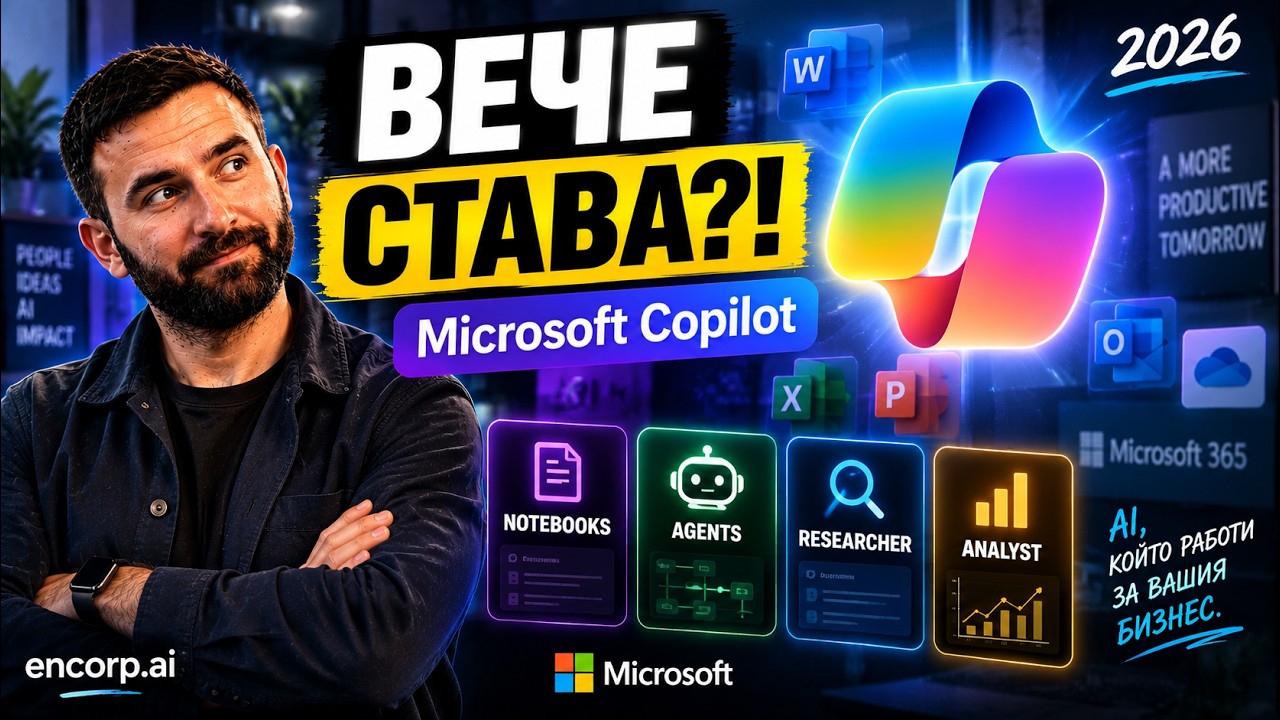
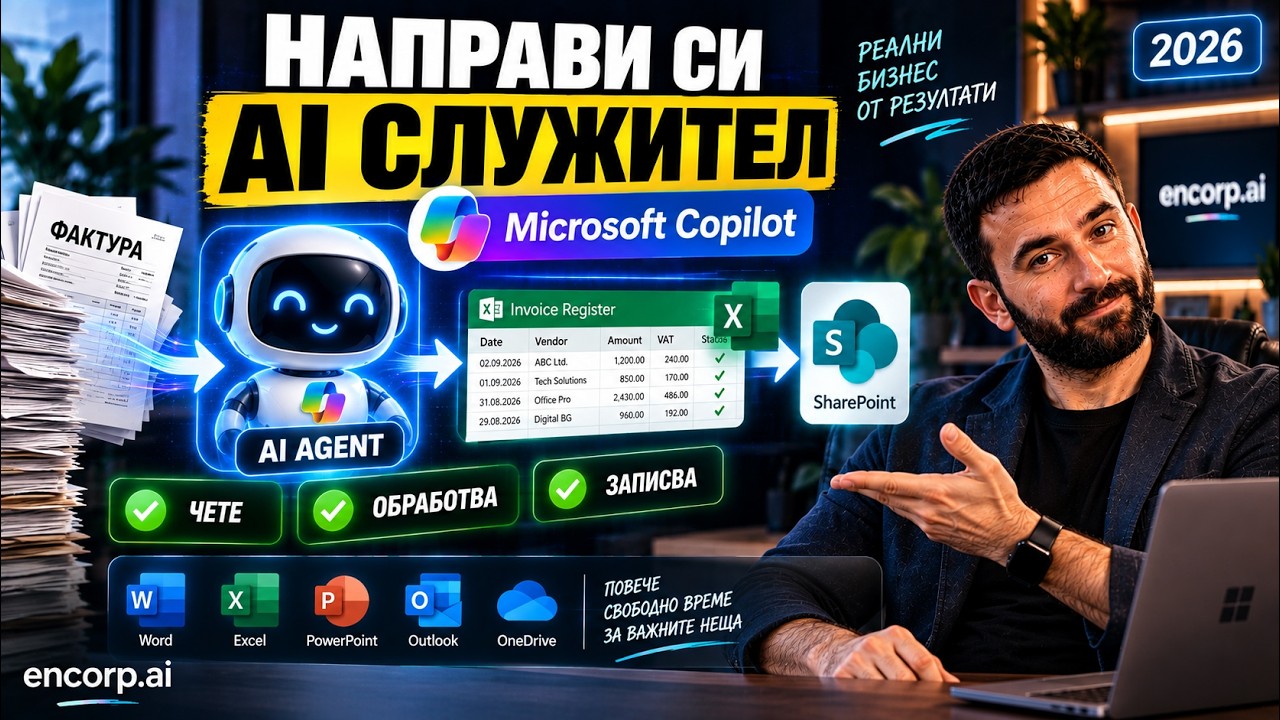
Building an AI agent in Microsoft Copilot requires no programming, and Martin Kuvandzhiev, CEO of encorp.ai, walks through the whole process step by step. Together with him you build a real business agent called Invoice Processor: you upload an invoice in the chat, the agent reads it, extracts company, date, invoice number, amount, VAT, type and line items, adds them to a shared register and saves the result to SharePoint. The video covers Agent Builder, describing the agent in plain language, Instructions, Skills, Cloud Files, Knowledge Base, Suggested Prompts, testing with a real invoice, working with Excel, adding Copilot Connectors, and sharing the agent with the whole company with different permissions for using and editing. Martin explains the approach Encorp often uses: AI creates the first version, a person reviews it, and then specific business rules are added. He also lists other agents you could build the same way, such as procurement, HR, sales, compliance and internal policy assistants. Useful for managers and teams on Microsoft 365 who want a shared agent that everyone uses the same way.